POS wobblers and rail strips help grocery retailers place promotional messaging directly at the shelf, where customers compare products and prices. However, their effectiveness depends on more than the printed graphic. A successful program requires the right component for the fixture, materials suited to the store environment, controlled versions, and store-ready distribution.
For recurring grocery promotions, it is useful to treat shelf materials as a coordinated production system. A wobbler may call attention to a featured item, while a rail strip provides a continuous message along the shelf edge. Both must install cleanly, fit the intended location, and arrive in the correct quantities for each store or department.
How pos wobblers and rail strips serve different shelf-level roles
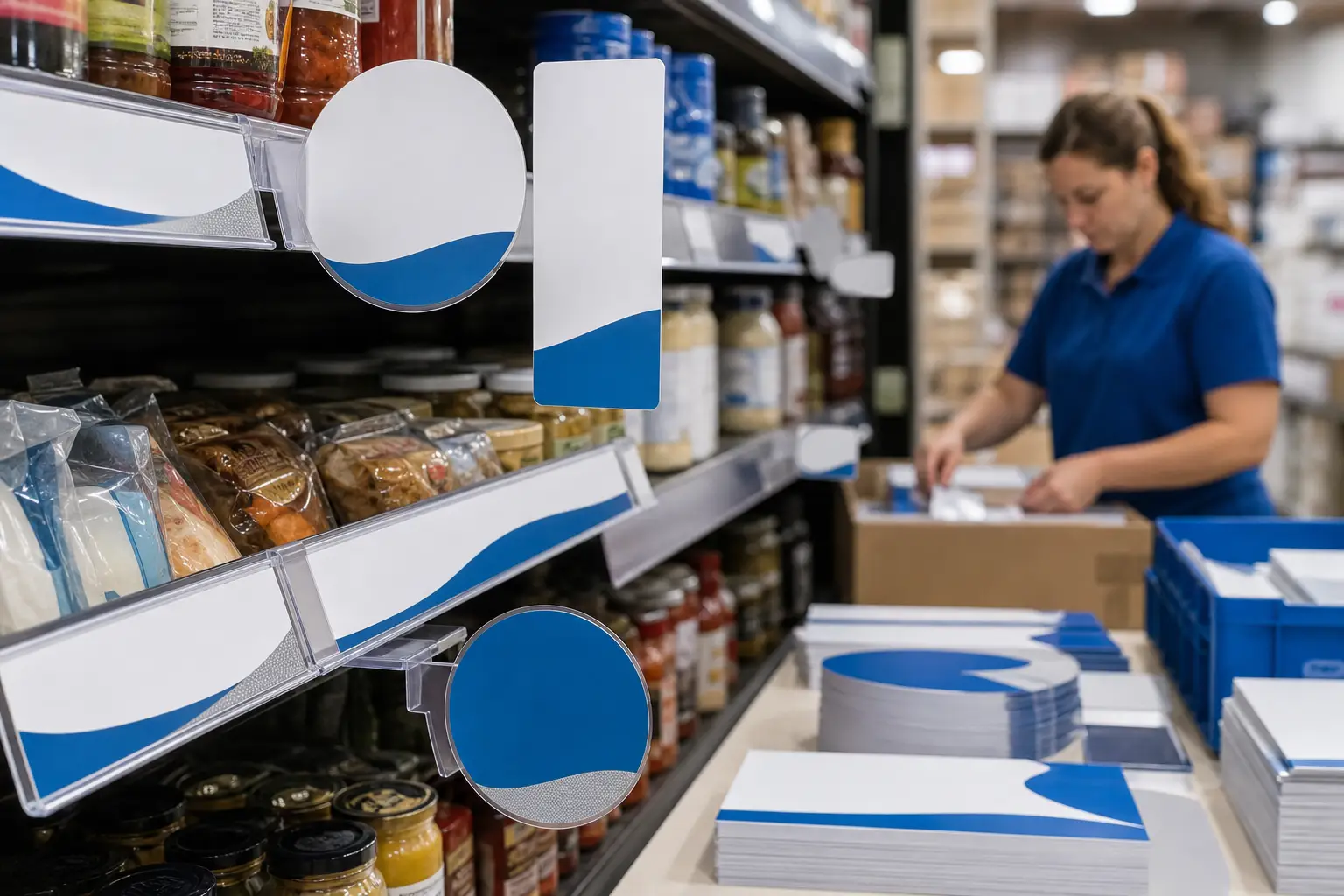
POS wobblers are small printed pieces that extend outward from a shelf or fixture on a flexible element. Their movement can help separate a featured product, promotion, or category message from surrounding shelf communication. They work best when the message is brief and can be understood quickly at close range.
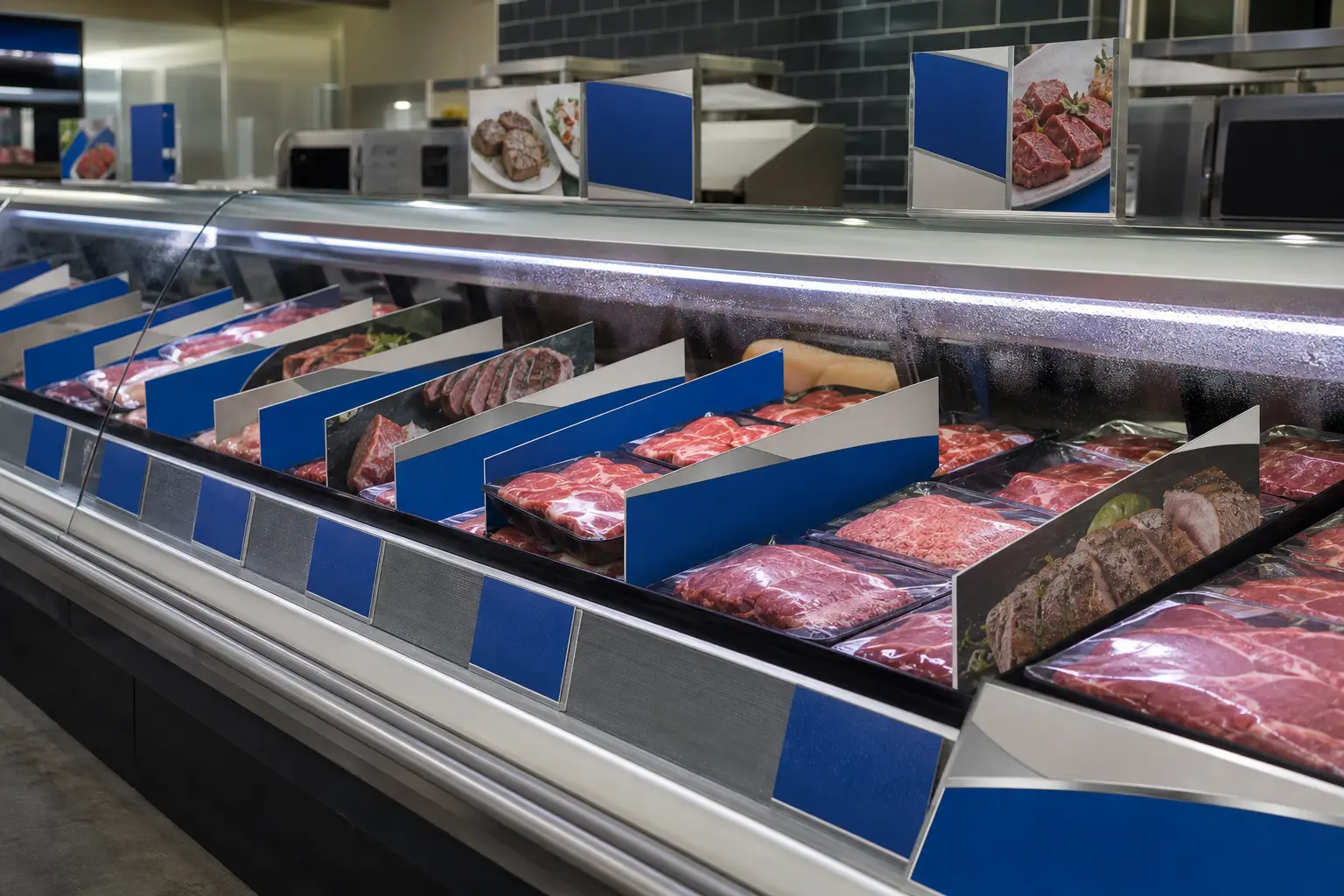
Rail strips sit at the shelf edge and provide a more continuous placement for promotion, category, product, or value messaging. Depending on the store fixture and program, they may need to fit a specific channel, rail, or attachment method. They are often appropriate when a promotion spans several facings or an entire product set.
The components can work together, but they should not duplicate each other without a purpose. For example, a rail strip can establish the promotion across the shelf, while a wobbler identifies a featured SKU or a limited-time offer. For a closer look at planning these components as one system, see POS wobblers for grocery shelf promotion kits.
Start with store fixtures and installation conditions
The fixture is a production specification, not an afterthought. Before artwork is finalized, confirm how and where each piece will be installed. A rail strip that does not match the shelf hardware, or a wobbler with an unsuitable attachment method, can create avoidable store-level problems.
Collect details such as:
- Rail or channel dimensions, including usable length and depth
- Shelf-edge profile and any existing price-tag or promotional holders
- Required strip lengths by planogram, department, or store format
- Available clearance for wobblers near product, doors, aisles, or cooler cases
- Preferred attachment method and whether store teams need replacement pieces
- Expected handling, cleaning, moisture, temperature, and lighting conditions
These details influence trim size, safe areas, finishing, and packing. They also reduce the risk of an attractive design becoming difficult to use in the field. Retailers planning multiple formats should document fixture differences by store group before quantities are calculated.
Choose materials for handling and store conditions
Material selection should reflect the expected life of the promotion and its placement. Short-duration, dry-store promotions may have different needs than materials used near refrigerated cases, high-traffic departments, or areas subject to frequent cleaning.
Consider stiffness, flexibility, edge durability, moisture exposure, and the attachment approach together. A wobbler needs a construction that supports its intended movement without becoming difficult to install. A rail strip needs enough stability to remain presentable across its full length while working with the selected fixture.
For refrigerated or moisture-exposed placements, specify the environment early. Condensation, airflow, fluctuating temperatures, and regular cleaning can change how printed materials perform. Grocery teams can review cold case merchandising materials when planning materials intended for demanding refrigerated environments.
It is also important to distinguish shelf-edge materials from product labels. They may appear near each other, but they have different application conditions and production requirements.
Build production-ready artwork for shelf viewing
Shelf communication is viewed quickly and often from an angle. Artwork should prioritize one clear message, readable type, and a visual hierarchy that still works when product, tags, or other displays are nearby.
Set dimensions and safe areas before design approval
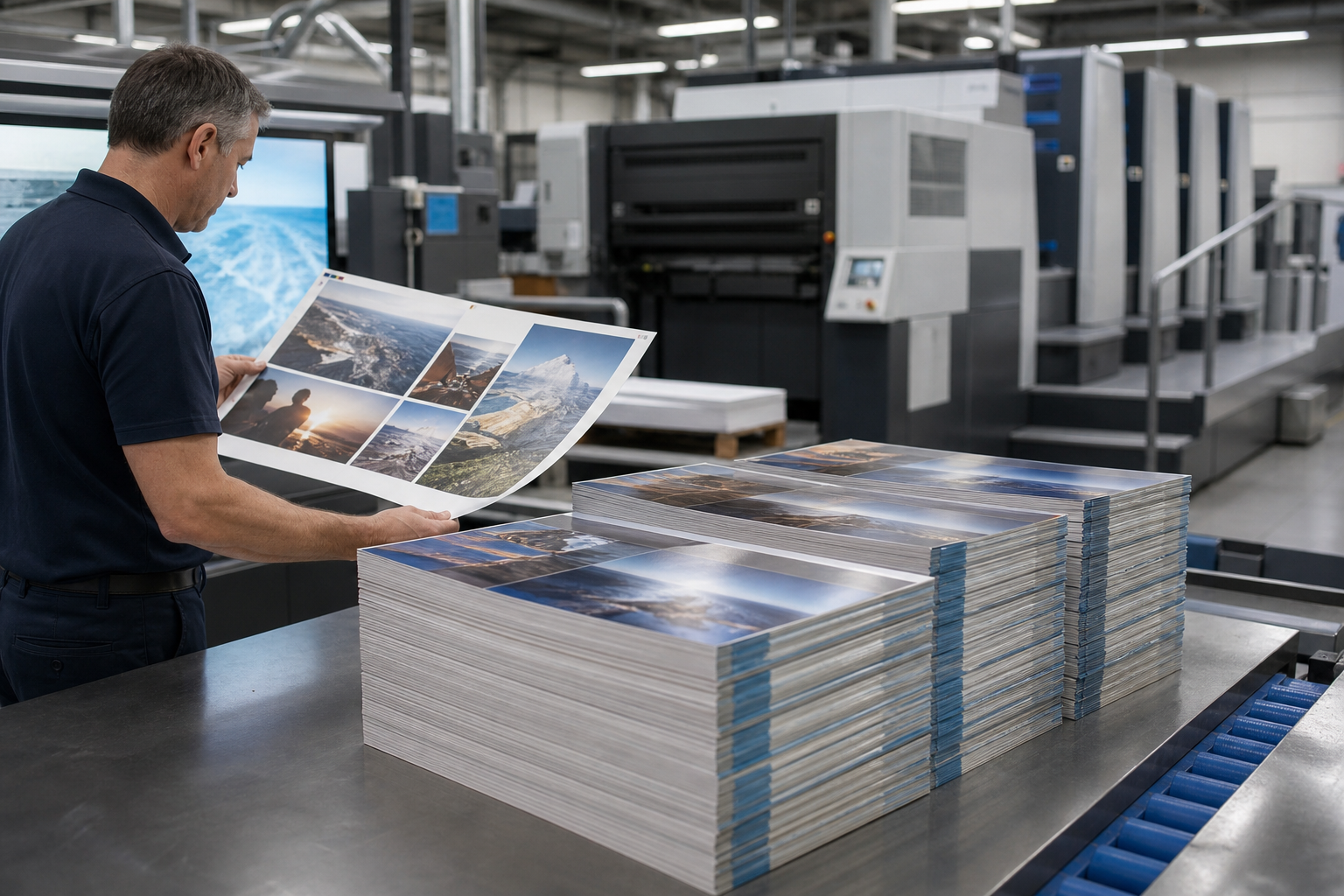
Use the approved trim size and finishing specifications from the outset. Keep essential text, offer details, and logos inside safe areas. Attachment points, folds, slots, or flexible stems may limit usable graphic space. A prepress review should also verify bleeds, image resolution, color builds, dielines where applicable, and the final orientation of each piece.
Manage versions as a controlled production file set
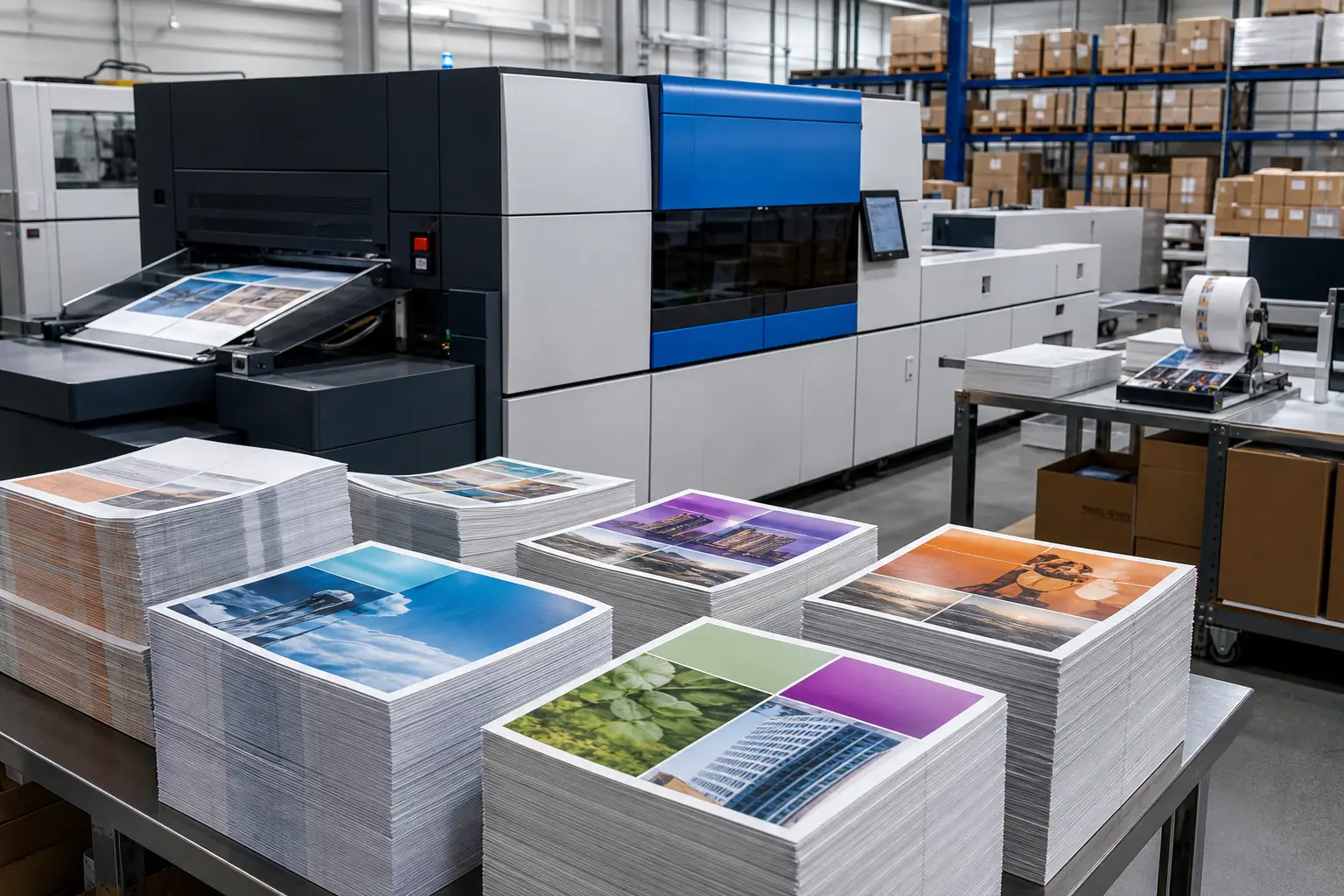
Grocery promotions often vary by region, store banner, department, product group, or pricing strategy. Each variation should have a clear naming convention and approval path. Maintain a version matrix that identifies the artwork file, quantity, placement, store group, and kit requirement for every version.
Version control is especially important when components share a campaign look but carry different messages. Coordinated versioned campaign printing helps retailers organize these variations within a single production plan.
Plan quantities and store kits before production begins
A total print quantity does not guarantee each location receives what it needs. Store counts vary by footprint, shelf configuration, department participation, and campaign scope. Instead of estimating from a chain-wide total, calculate quantities by store group and component.
A practical kit plan may identify:
- Store or location identifier
- Department and installation zone
- Quantity of each wobbler and rail-strip version
- Strip lengths or fixture-specific configurations
- Installation notes or packing labels when required
- Approved overage and replacement-piece strategy
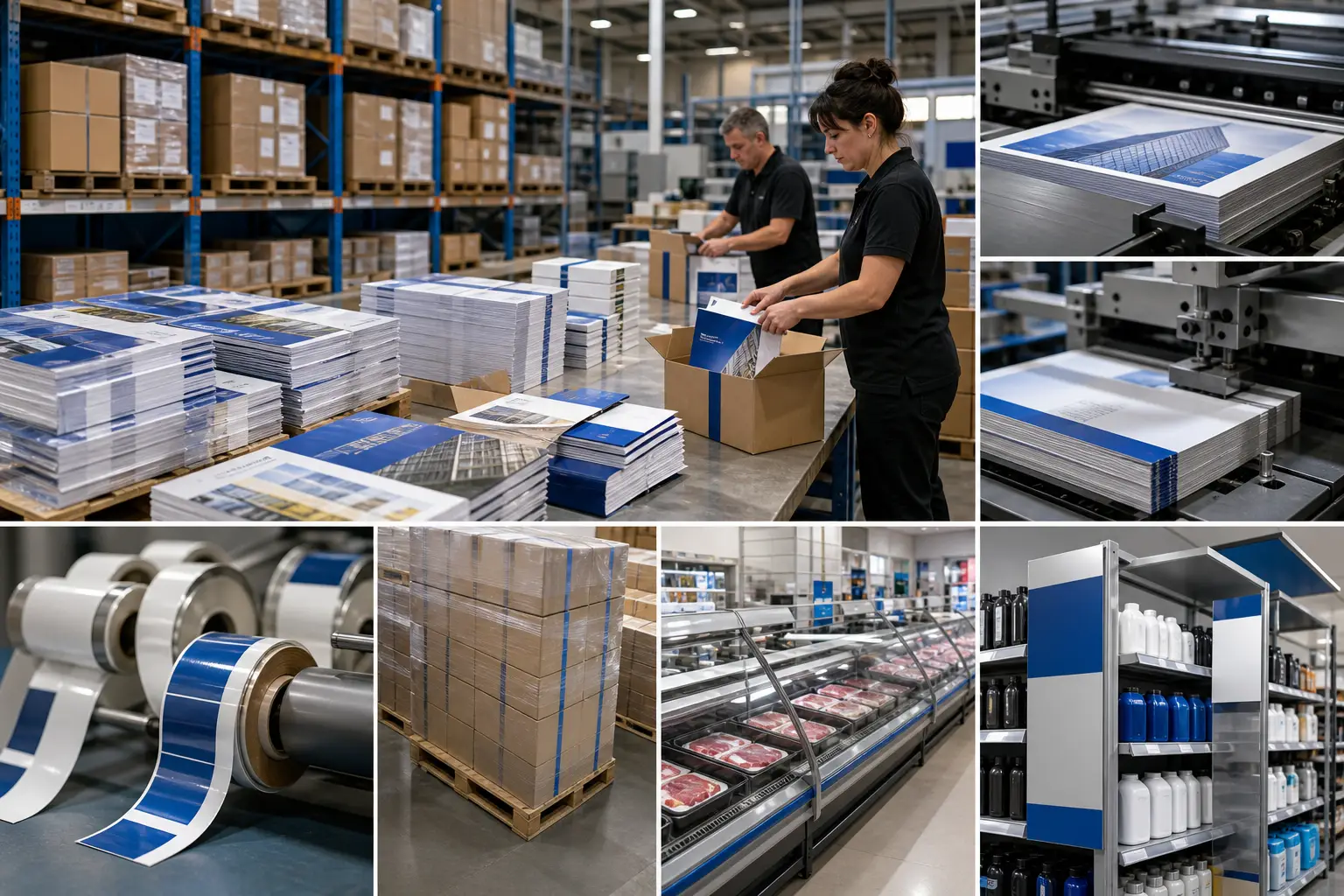
Pack components so store teams can identify and install them without sorting through unrelated materials. A kit can be organized by store, department, promotion period, or reset sequence, depending on the operation. This approach also supports cleaner receiving and more dependable deployment.
For complex campaigns, kitting and distribution services can coordinate assembly and shipment of store-specific materials to multiple delivery points.
Coordinate timing from approval through store delivery
Work backward from the required in-store date. Include time for artwork approval, prepress, material sourcing, printing, finishing, kit assembly, addressing, freight planning, and store receiving. If a campaign has several versions, build time for file verification and a final count check before kits are sealed.
Teams should also decide who owns installation and how stores will handle shortages or damaged pieces. Those operational decisions affect the quantity of replacements, instructions, and delivery sequencing. For programs with frequent changes, inventory planning can reduce repeated setup work while keeping campaign versions separate.
Questions to answer before requesting a quote
Clear specifications allow a production partner to recommend an appropriate process and prepare a more useful quote. Have these details ready:
- Finished sizes, quantities, and number of versions
- Fixture photos, measurements, or samples when available
- Placement environment, including refrigerated or moisture-exposed areas
- Artwork status and required prepress support
- Attachment, finishing, or assembly requirements
- Store list, kit configuration, ship-to locations, and required arrival date
Print Group Inc. supports grocery and retail merchandising programs with in-house prepress, print production, finishing, kitting, and multi-location distribution. To discuss pos wobblers, rail strips, or a complete store-deployment plan, request a quote with your specifications and campaign schedule.