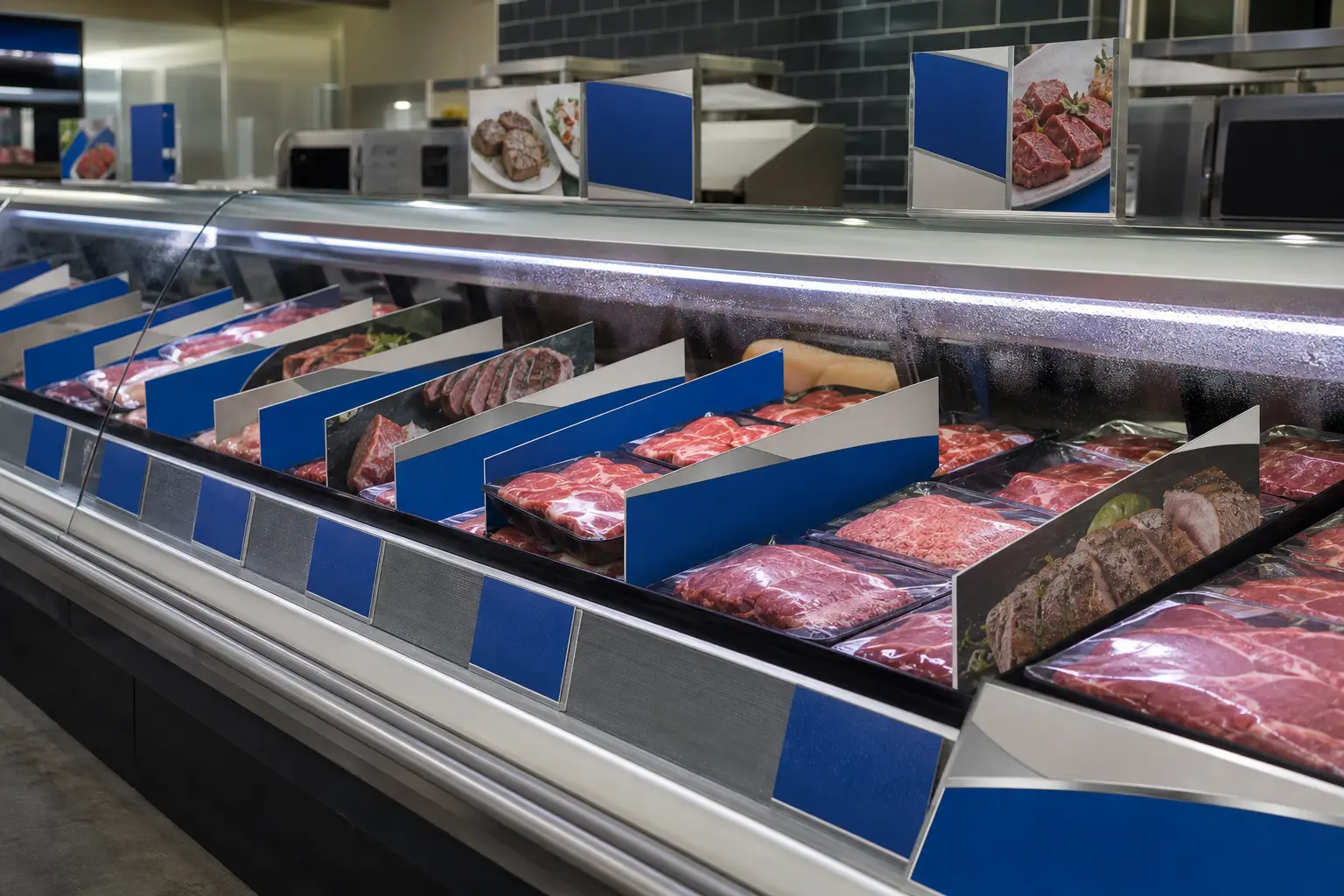
Shelf strips can provide a consistent visual foundation for a grocery promotion, but they work best as one part of a coordinated in-store system. Shelf talkers call attention to a specific item or message. Promotional displays create a larger destination or reinforce a campaign beyond the shelf. When these materials are planned together, retail teams can reduce installation confusion, manage versions more carefully, and give each store the materials it needs for the intended execution.
For regional and national grocery programs, the central challenge is not simply producing printed pieces. It is aligning fixture requirements, campaign messaging, quantities, store-level variations, finishing, kitting, and delivery. A production plan should answer those questions before artwork reaches press.
Define the role of shelf strips before designing the campaign
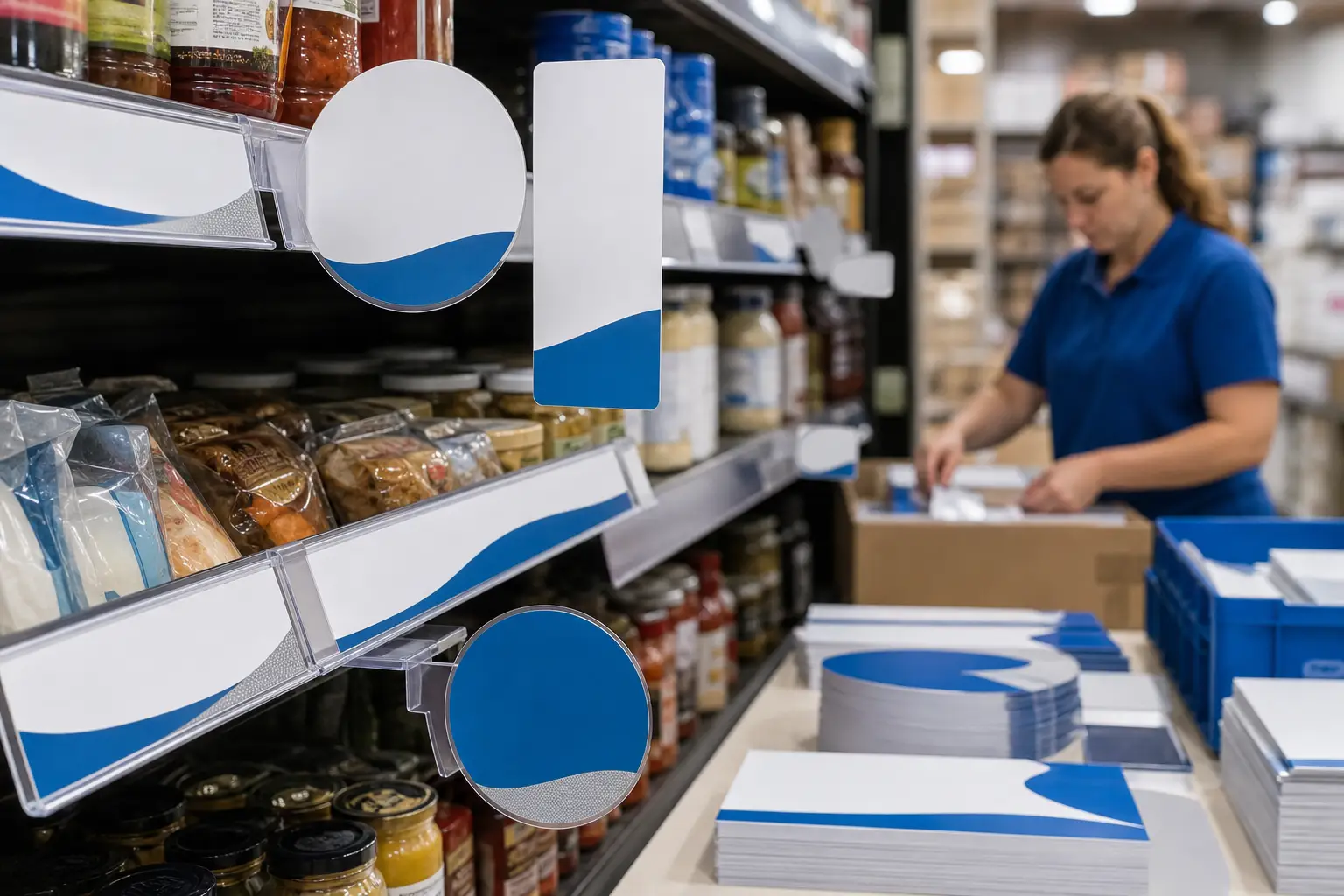
Shelf strips are long, narrow printed pieces installed along a shelf edge, rail, or other fixture location. They can create department-level organization, reinforce a brand block, support a seasonal theme, or establish a promotional message across a run of products. Their value comes from continuity: one strip can connect several products or an entire shelf section visually.
That role differs from a shelf talker. A shelf talker is usually a smaller piece that projects from, attaches to, or sits near the shelf to draw attention to one product, price point, attribute, or offer. Promotional displays may include larger signage or display components placed in an aisle, department, endcap, or perimeter area.
Use each format according to the shopper decision it needs to support:
- Shelf strips: establish a consistent shelf-level message, category cue, or campaign identity.
- Shelf talkers: direct attention to a particular SKU, limited-time message, or featured selection.
- Promotional displays: create greater visibility, support a broader promotion, or define a destination in the store.
A well-planned system does not repeat the same message on every component. Instead, it gives each format a clear job. The strip may establish the promotion, the talker may identify the featured item, and the display may carry the larger campaign visual or department message.
Start with store conditions and fixture specifications
Retail artwork cannot be production-ready until the physical installation environment is understood. Shelf-edge dimensions, rail profiles, mounting methods, fixture variations, lighting, shopper traffic, and cleaning routines can all affect the final specification. A strip designed for one rail may not fit another. A talker that looks effective on screen may interfere with restocking or fail to sit correctly at the shelf.
Collect fixture information early. Confirm the usable height and length, required trim, attachment method, safe areas, and any locations where components overlap. For programs with different fixture types, create a documented specification for each version rather than forcing one design to fit every condition.
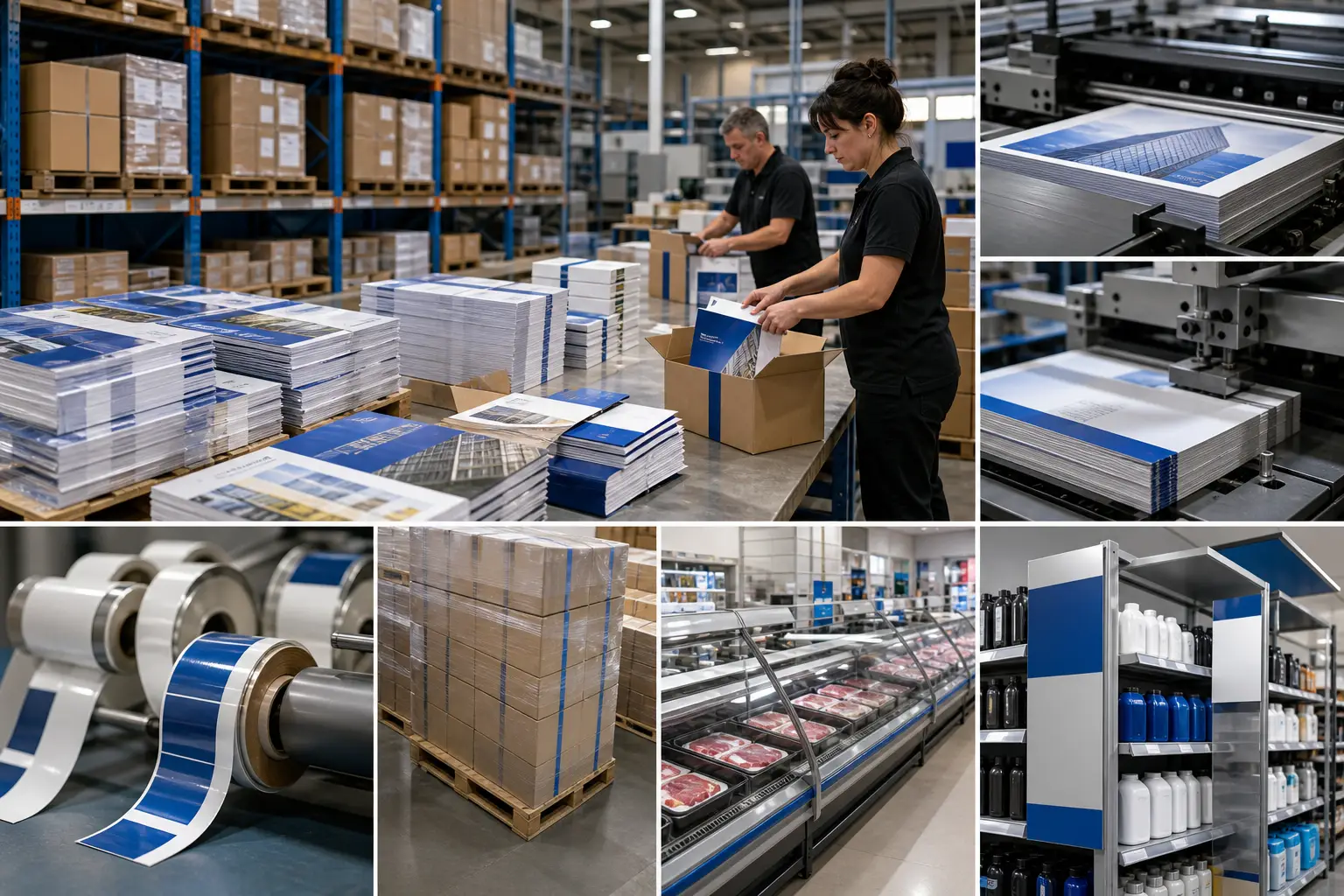
Retailers should also consider the operating environment. A dry grocery aisle has different demands than a refrigerated department. Materials placed near cold cases may face moisture, airflow, temperature changes, and frequent cleaning. For refrigerated applications, review cold case material considerations as part of the specification process.
Build a single campaign architecture for every component
A coordinated rollout needs a shared visual and production framework. That framework should define the campaign hierarchy, approved copy, color expectations, product imagery, version rules, and component sizes. It should also state which information remains constant and which information may change by store, region, department, or promotion period.
Start with a component matrix. List every format in the program, then identify its purpose, dimensions, quantity, version, installation location, and destination store group. This document gives marketing, merchandising, procurement, and print production teams a common reference point.
Separate universal messaging from variable content
Most multi-store promotions include both shared and localized elements. Brand imagery and a general campaign message may remain constant. Product assortments, dates, department needs, and promotional details may vary. Separating those layers early prevents late-stage edits from affecting every file.
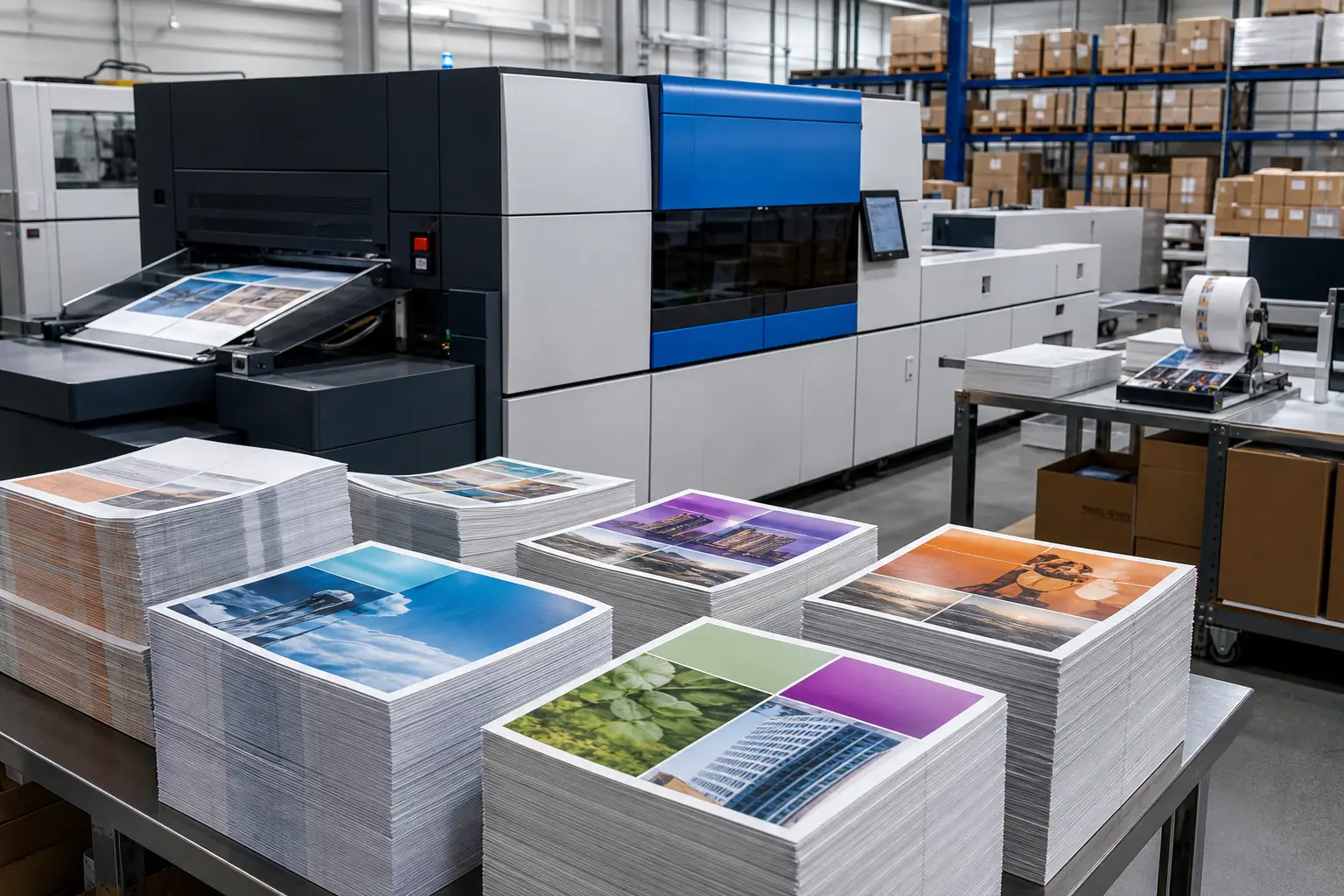
Versioned production is especially useful when a campaign requires multiple store, regional, category, or department variations. Rather than treating each variation as an unrelated job, teams can manage a coordinated family of files with controlled naming, approvals, and quantities. Learn more about versioned campaign printing for programs that require recurring or location-specific versions.
Specify shelf strips for print performance and installation
Production choices should reflect the strip’s length, installation method, expected duration, and store environment. The appropriate stock, coating, adhesive approach, scoring, trimming, or other finishing details depend on those requirements. Finishing must support clean installation and a consistent appearance across the rollout.
Artwork also needs practical controls. Keep important copy and graphics within safe areas. Avoid placing critical content where fixture lips, clips, overlaps, or field trimming could obscure it. Use a repeatable layout when a strip spans multiple sections, so installers can align components without guessing.
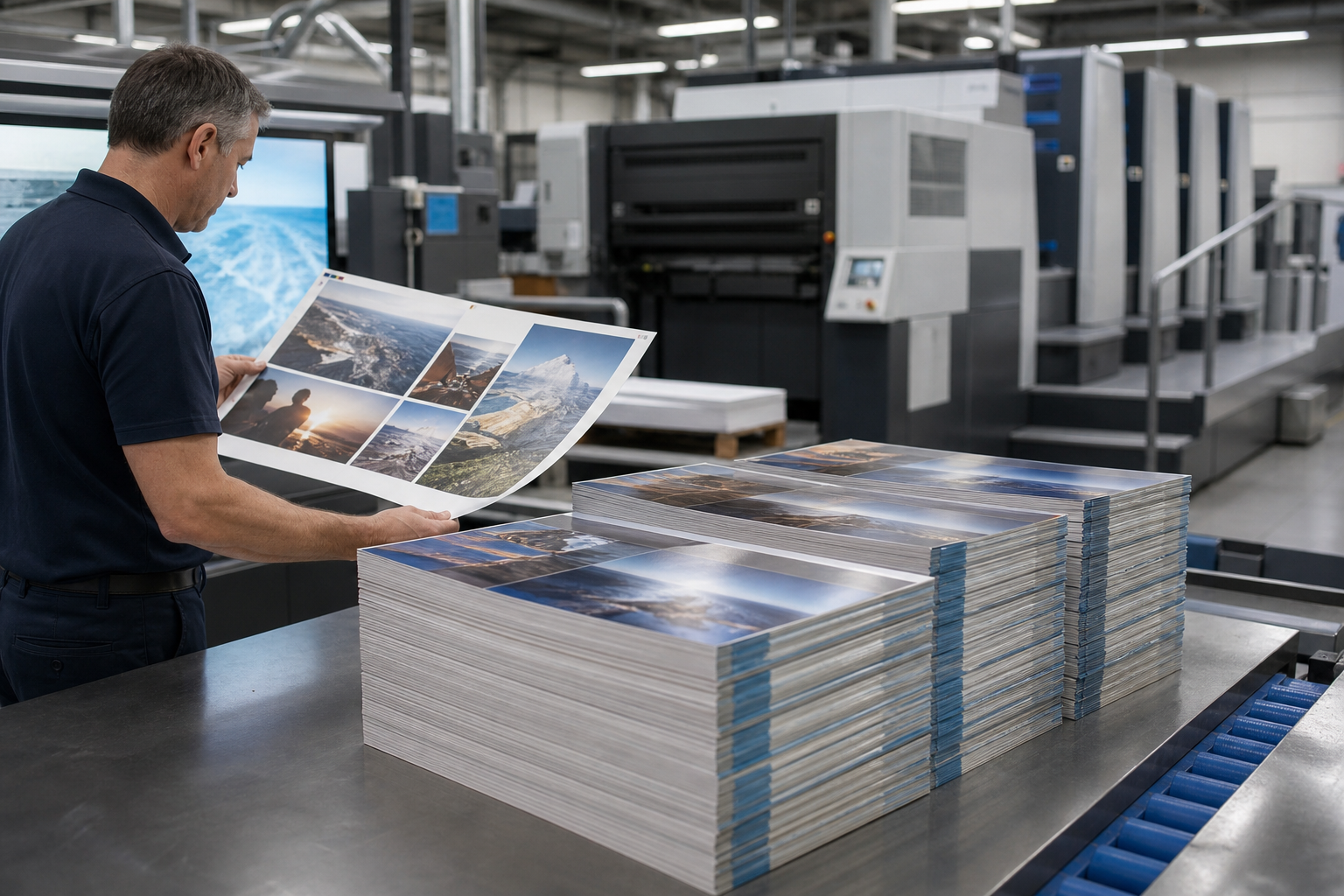
Color consistency matters when shelf strips, shelf talkers, and larger promotional pieces appear together. A campaign can look fragmented if the primary brand color or hero image shifts noticeably between formats. Production-ready artwork, defined color expectations, and coordinated proofing help teams review the system as a whole rather than approving isolated files.
For a deeper look at setup requirements, including fixture specifications and safe areas, see production-ready rail strip artwork.
Plan store kits around installation, not just piece counts
A rollout succeeds at the store level when materials arrive organized for the people installing them. A carton of mixed components may contain the correct total quantity but still create delays, missing pieces, and incorrect placement. Store-level kits convert a print order into an execution plan.
Each kit can be organized by store, department, promotional period, or installation zone. A clear pack list helps the receiving team verify contents. Component labels can distinguish shelf strips from talkers and display pieces, especially when several sizes or versions look similar at first glance.
A practical kit plan often includes:
- Store and campaign identification on the outer carton or kit label.
- Separated bundles for each department, aisle, or installation area.
- Version identifiers that match the approved campaign matrix.
- A pack list that identifies quantities and component names.
- Installation guidance when placement is complex or sequence matters.
- Protection for long, folded, scored, or specialty-finished pieces during transit.
Coordinated kitting and distribution helps keep campaign materials associated with the correct store and rollout phase. It also allows retail teams to plan shipments around reset dates instead of sending all materials through a general distribution flow.
Use a rollout schedule that includes approvals and distribution
Work backward from the in-store installation date. The schedule should include fixture verification, content approval, artwork preparation, prepress review, proofing, production, finishing, kitting, freight, store receipt, and installation. Each stage has dependencies. For example, kitting cannot begin until final quantities and versions are controlled.
Build in a decision point for substitutions or store exceptions. If one location has a different fixture or does not carry a featured product, the campaign team needs a documented response. Last-minute changes are easier to manage when the file structure, version names, and distribution plan are already organized.
After the first rollout, collect operational feedback from merchandising and store teams. Note installation issues, damaged components, unclear pack labels, fixture mismatches, or materials that did not suit the environment. Those findings can improve the next promotional cycle without changing the campaign’s core strategy.
Bring production, merchandising, and logistics together early
Shelf strips deliver more value when they are planned as part of a complete grocery merchandising program. The best outcome comes from connecting creative direction with fixture details, material performance, finishing, version control, store kits, and distribution before production starts.
Print Group Inc. provides grocery and retail print production, including shelf-level materials, in-store signage, finishing, kitting, and multi-location distribution. Explore grocery shelf and in-store marketing solutions, or request a quote with your component list, store count, timeline, and known fixture requirements.