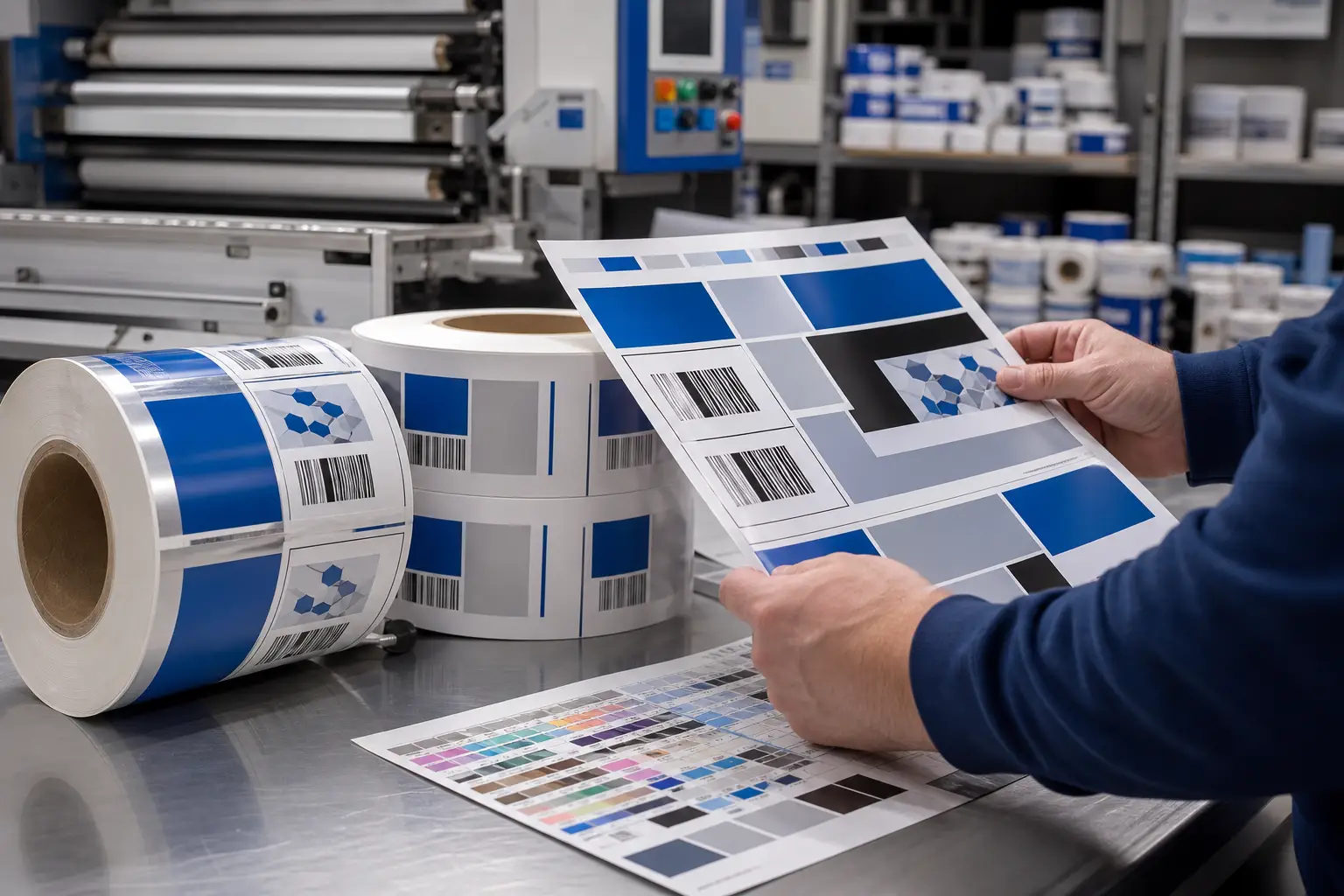
Rail strips and point-of-sale (POS) wobblers must do more than look right on screen. They need to fit the intended fixture, communicate quickly at shelf level, and arrive organized for store execution. Production-ready artwork connects creative intent with the physical requirements of retail fixture systems before materials move to press.
For grocery, retail, and multi-location programs, that preparation reduces avoidable questions during prepress, finishing, kitting, and distribution. It also helps merchandising teams maintain consistent placement when promotions, product assortments, or store versions change.
Rail strips start with the fixture specification
A rail strip is a long, narrow printed piece designed to install on or within a shelf-edge, rail, channel, or related merchandising fixture. The fixture—not a generic template—should determine the final production specification.
Before artwork begins, confirm the actual fixture system and how the piece installs. A rail that slides into a clear holder has different needs than a strip that attaches with adhesive or sits behind a shelf-edge protector. Small differences in visible area, insertion depth, thickness allowance, or end treatment can affect the finished result.
Confirm these details before building the file
- Finished size: Confirm the required length and height for each fixture or fixture type.
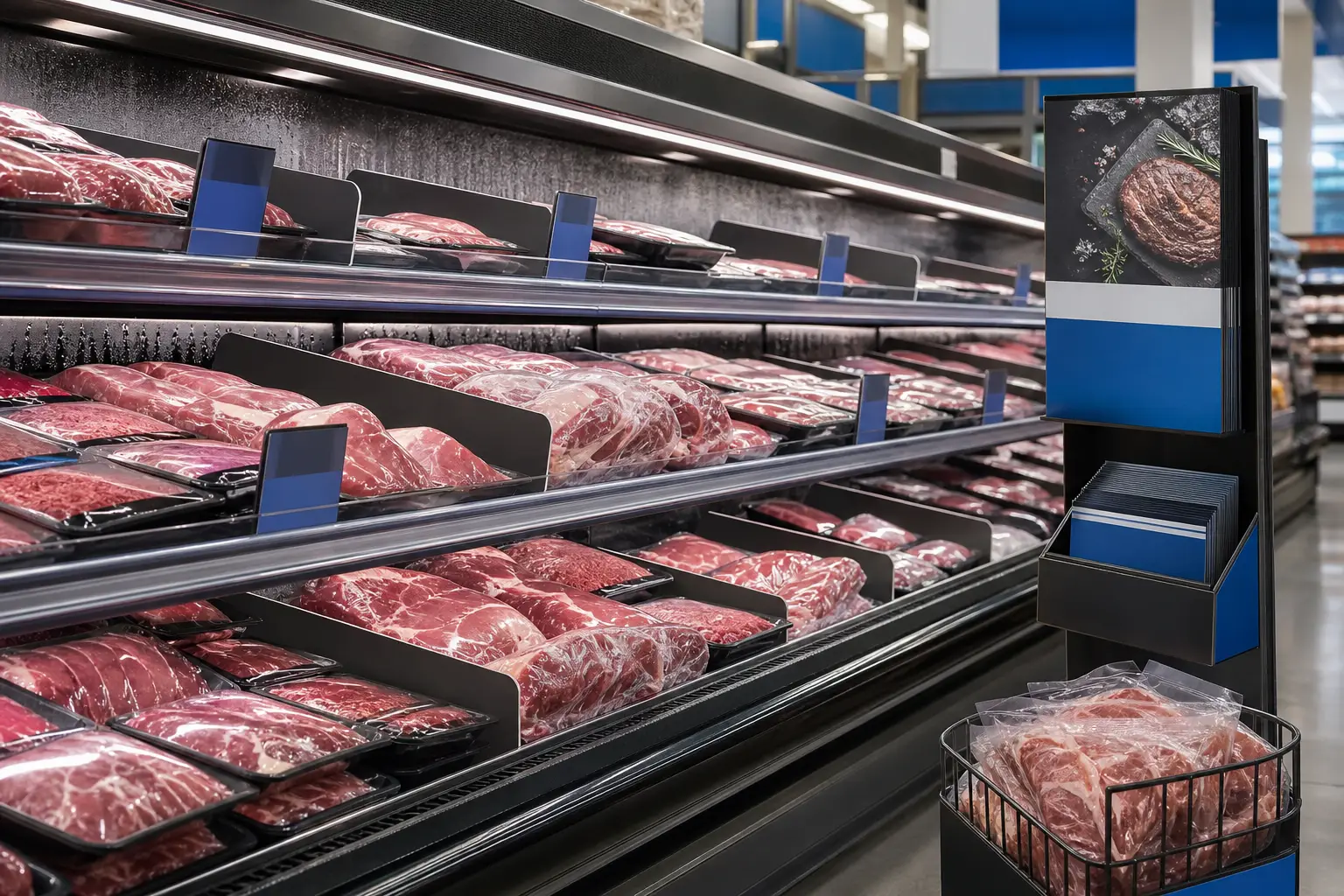
- Visible copy area: Identify what shoppers can see after the strip is installed. Keep essential offers, product names, and brand elements inside that area.
- Insertion or attachment area: Allow for any portion that will sit inside a channel, behind a holder, or under an attachment method.
- End treatment: Determine whether strips need square ends, rounded corners, notches, or another treatment for installation.
- Material and finishing constraints: Select the substrate and finish based on the fixture, expected handling, and store environment.
- Quantity structure: Separate total quantity from quantities by version, department, store, or distribution kit.
Do not assume every rail in a chain uses the same profile. A short fixture sample, a measured specification, or an approved die line gives production and creative teams a common reference. When a program includes several fixture types, build separate files and clear file names for each one.
Retail teams planning a broader shelf program can also review grocery shelf and in-store marketing materials to coordinate shelf-edge messaging with the rest of the department.
Build rail strips for fast shelf-level reading
Rail strips compete with packaging, shelf tags, price communication, and adjacent promotions. Their job is usually to create a clear visual cue at the shelf edge. Artwork should therefore prioritize hierarchy over decorative detail.
Start with the message a shopper needs to recognize first. That may be a category identifier, promotional theme, product attribute, or brand family. Establish that primary message first, then support it with secondary copy only when the visible area allows.
Use a practical hierarchy
- Keep the primary message prominent and easy to scan.
- Use strong contrast between copy and background.
- Avoid placing critical characters near trim edges or fixture-covered areas.
- Limit fine details that may lose impact at normal viewing distance.
- Use consistent spacing and alignment across related strip versions.
- Plan color as a repeatable system across the complete retail campaign.
Photography, patterns, and product imagery can support the message. However, they should not crowd out the copy that explains the promotion or category. A proof reviewed at full size is more useful than a reduced on-screen view for checking hierarchy on narrow-format retail pieces.
Prepare POS wobblers for movement and attachment
A POS wobbler is a shelf-level promotional piece that extends or moves from the shelf edge. Its printed panel, flexible connection, and attachment method work together. Artwork needs to respect that physical construction.
Keep essential copy and imagery away from the attachment point and any flexing area. If the wobbler uses a narrow connector, avoid critical text, faces, logos, or offers in that zone. The panel should still read clearly when it is not perfectly flat or viewed at an angle.
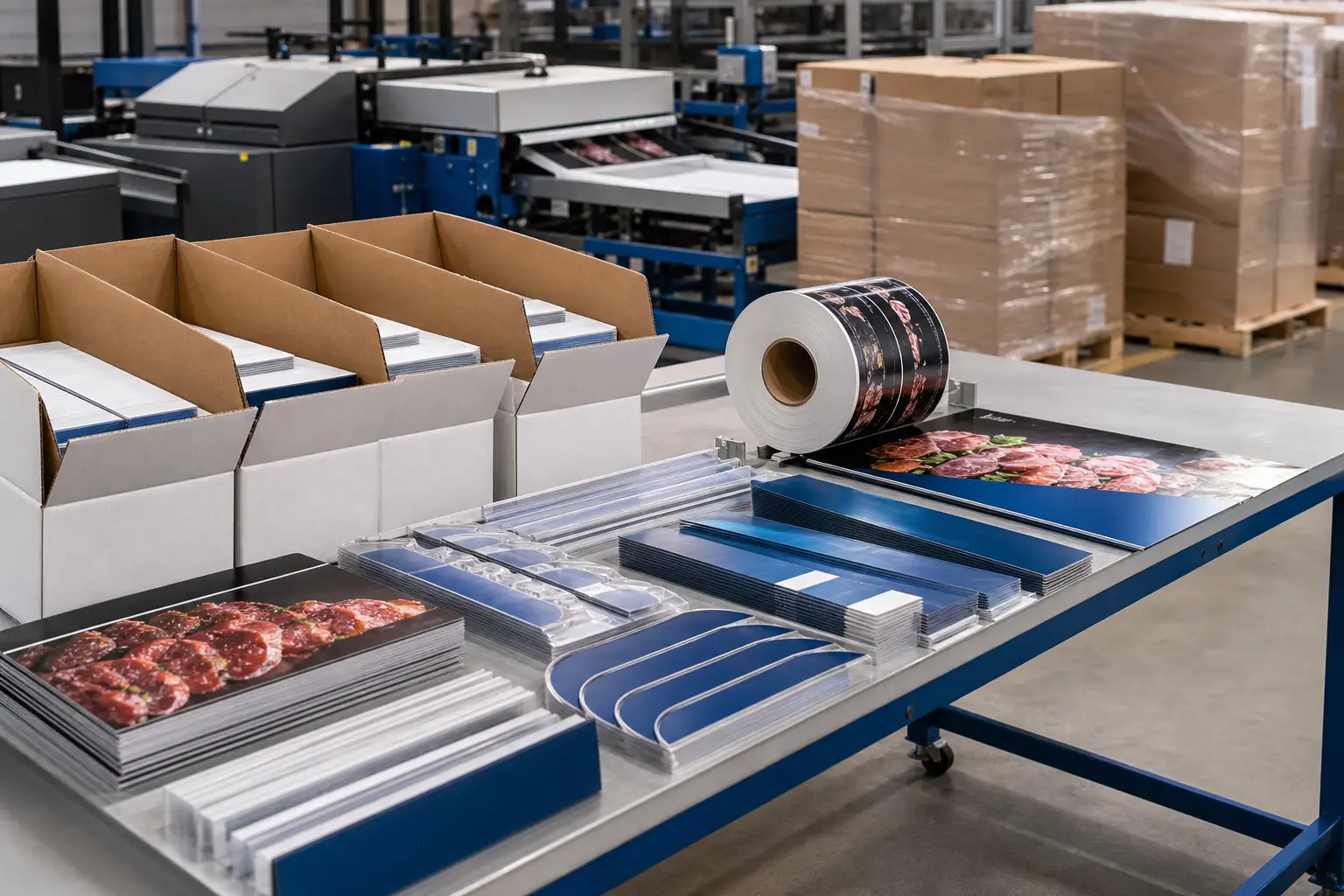
Shape also matters. A custom contour can draw attention, but it adds a cutting requirement that must be included in the production file. Supply the final cut path separately from visible artwork according to the printer’s file-preparation process. Clearly label it so it cannot be mistaken for a printed element.
For projects intended for refrigerated departments or other demanding areas, the environment should guide material decisions early. Review the production considerations for cold case merchandising materials when planning components that may face moisture, temperature changes, cleaning, or frequent handling.
Set up production-ready artwork before prepress
Production-ready artwork is complete, correctly sized, and organized so prepress can evaluate it against the approved specification. It does not eliminate review, but it gives the production team the information needed to produce the piece accurately.
Build files at the approved finished size. Include bleed where the design prints to an edge, and retain an appropriate safe area for critical copy. Use the agreed color approach and make sure linked images, fonts, and graphic elements are handled correctly in the final file.
Print Group Inc.’s file submission guidance requests press-quality PDF files at high resolution, including 300 DPI. Review the complete file upload instructions before sending final artwork, especially when a project includes multiple versions, custom shapes, or special finishing.
A handoff checklist for retail fixture files
- Approved fixture dimensions and installation method
- Finished size, bleed, safe area, and visible-area notes
- Final copy, product names, offers, and required brand elements
- Separate, clearly named files for each size, language, market, or department version
- Cut paths, fold lines, or other production marks separated from printable artwork when applicable
- Quantity by version and a clear master quantity summary
- Store lists, kit configurations, and delivery instructions when distribution is part of the program
Control versions across stores, departments, and campaigns
Retail fixture systems often use a shared visual framework with local variations. A campaign may change by store format, department, region, product assortment, price zone, or promotional period. Without disciplined version control, similar files can be difficult to distinguish and easy to misroute.
Create a naming convention that identifies the component, fixture size, version, and revision. For example, distinguish a meat-department rail strip from a produce strip even if the artwork uses the same campaign look. Maintain an approval record that identifies the final revision for every version.
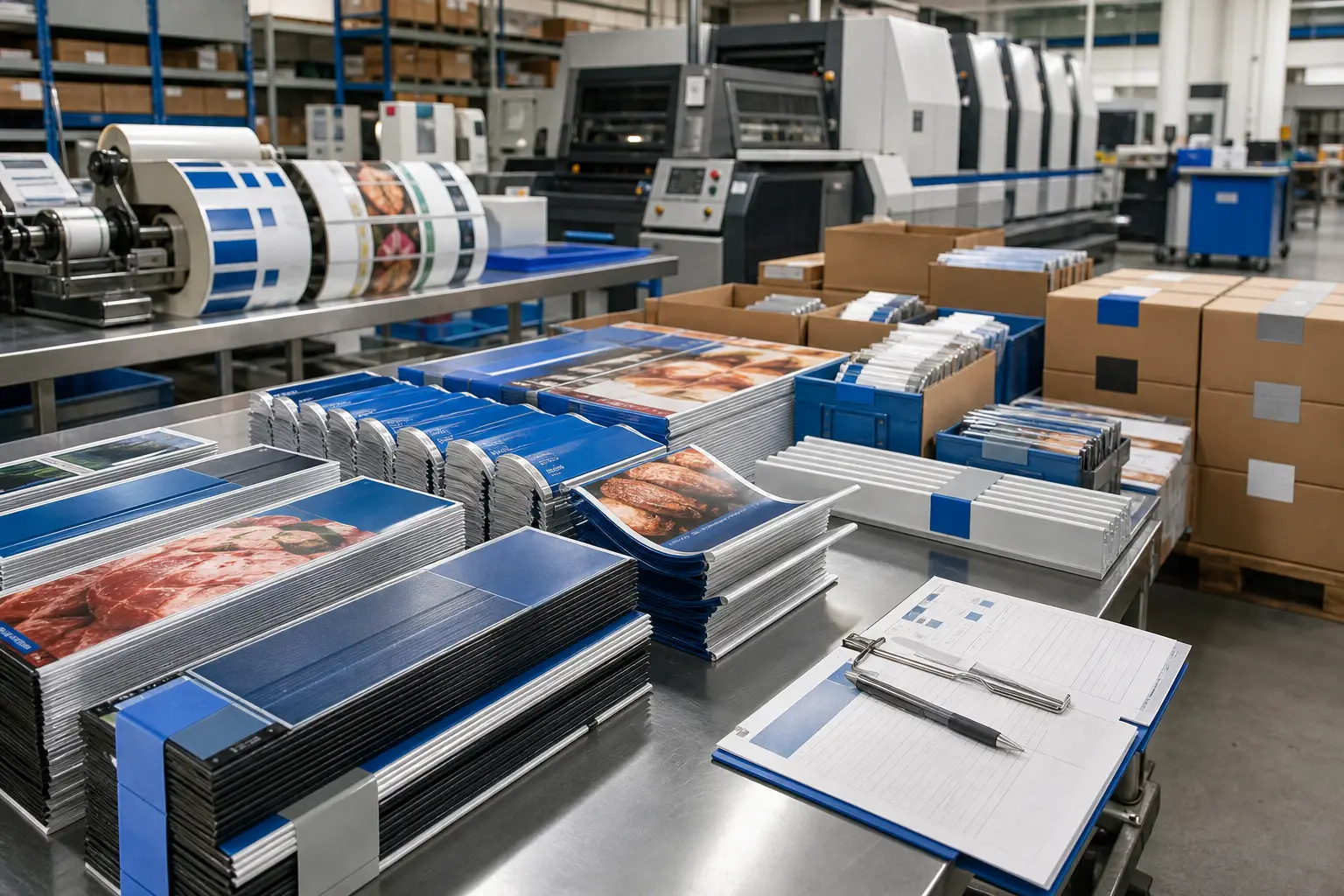
When several components ship together, map each version to its destination before production begins. Coordinated retail kitting and distribution can help organize rail strips, wobblers, signage, and related materials by store or campaign package.
Plan production as part of retail execution
The most effective rail strips and POS wobblers are planned as fixture components, not isolated graphics. Fixture measurements, visible areas, materials, artwork, finishing, quantities, and store routing should align in one production plan.
Print Group Inc. supports grocery and retail merchandising programs with production-ready creative, commercial print production, finishing, kitting, and multi-location distribution. For a new shelf system or a recurring promotional rollout, request a quote for retail print production with fixture specifications, quantities, versions, and delivery requirements.