Store-specific retail signage is easier to manage when version control begins before artwork moves into production. The goal is not simply to print many variations. It is to define which stores receive which message, format, quantity, and kit—then maintain that structure through prepress, finishing, fulfillment, and delivery.
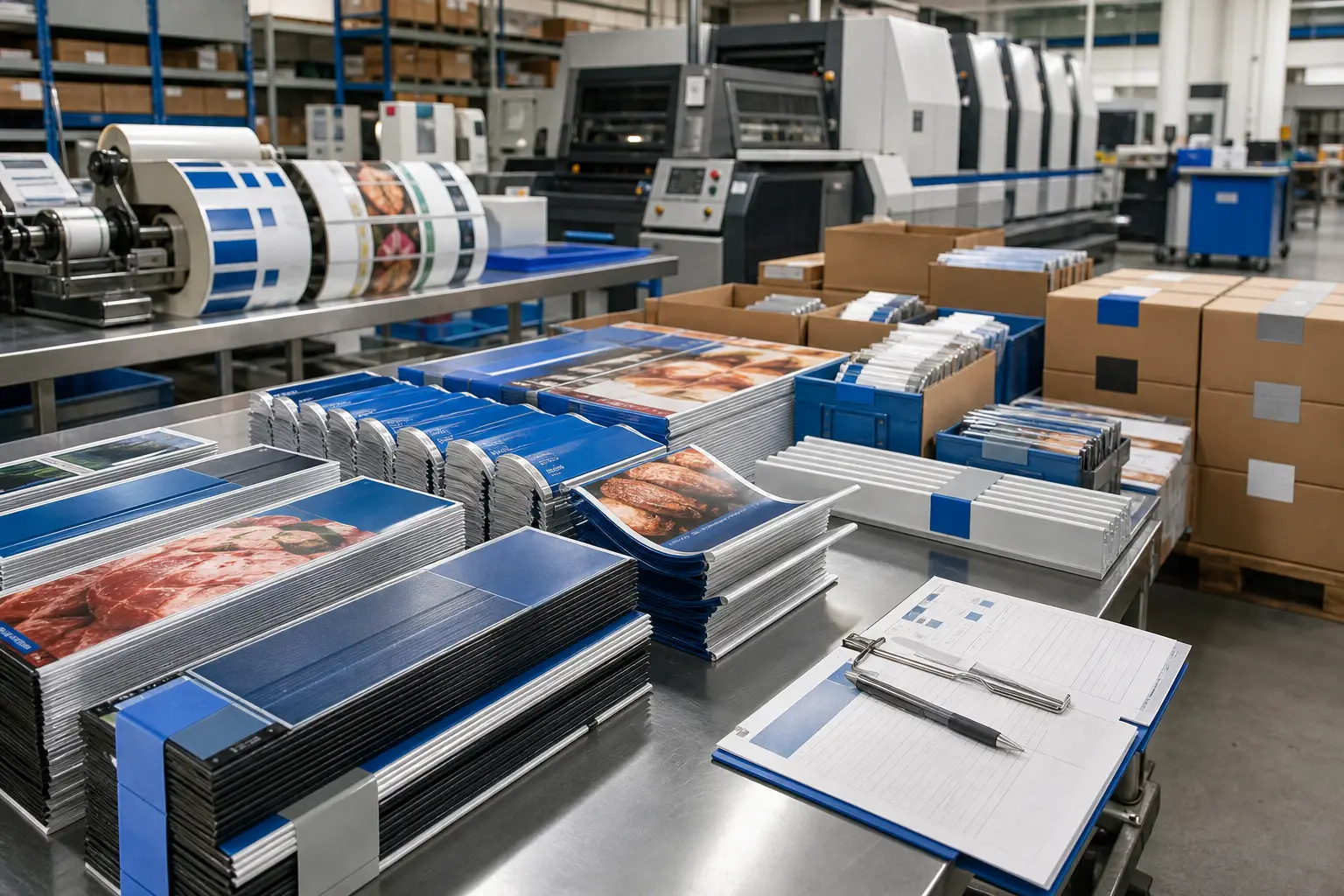
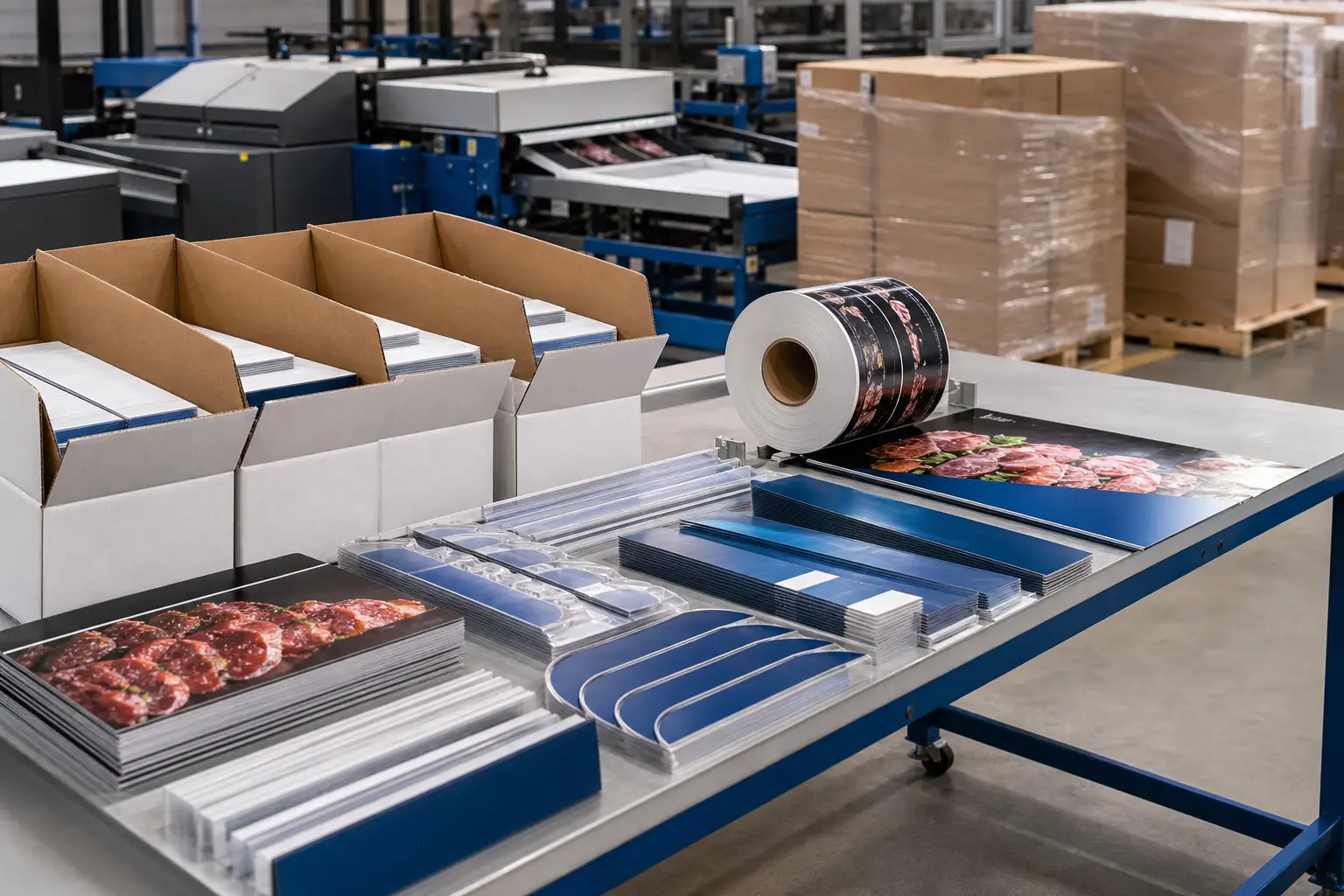
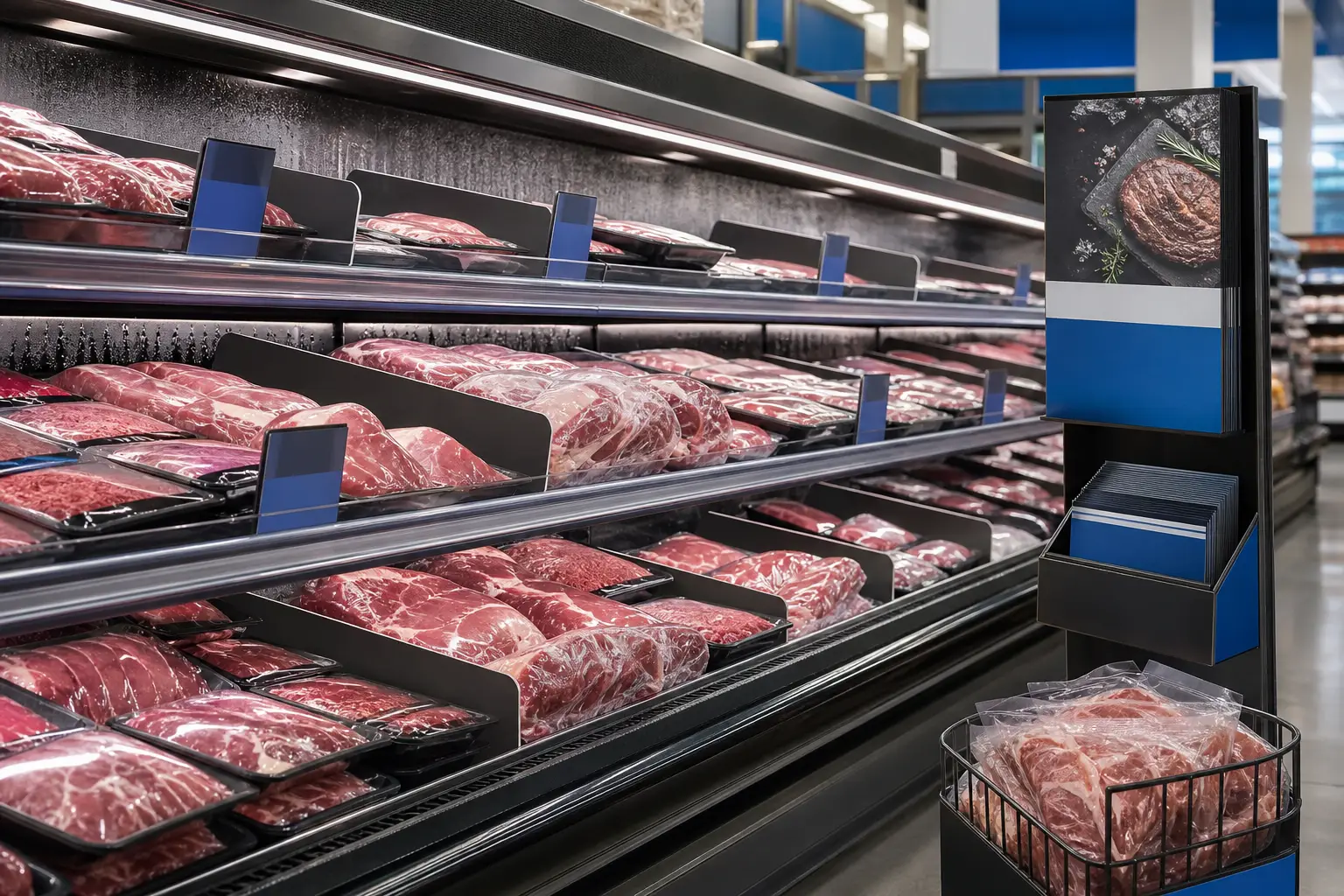
For retail teams, retail merchandising materials can include shelf strips, shelf talkers, rail strips, point-of-sale displays, refrigerated-case signage, department materials, and promotional inserts. A regional price, local assortment, department reset, or fixture difference can turn one campaign into dozens of valid versions. Without a controlled workflow, an outdated offer or incorrect component can reach the floor.
A reliable plan creates one source of truth for content, production specifications, store assignments, and distribution instructions. It also gives marketing, merchandising, procurement, and operations teams a shared way to approve changes.
Why store-specific programs become difficult
Most multi-store programs share a visual campaign but vary at the execution level. A grocery promotion may require different pricing zones, product mixes, language, department layouts, or opening dates. Another retailer may need materials sized for several fixture types.
Those differences affect more than the art file. They can change trim size, substrate, finishing, quantities, kit contents, and destination details. A project becomes harder to control when teams treat those requirements as last-minute exceptions rather than planned versions.
Common sources of confusion include:
- Similar filenames with no clear revision status.
- Store lists that do not match the approved artwork versions.
- One item appearing in several kits with different quantities.
- Late edits made to only some versions.
- Production files that omit trim, fixture, finishing, or material details.
- Shipments labeled only by campaign rather than store, department, or reset date.
Version control is therefore an operational process, not just a design-file practice.
Build a version architecture for retail merchandising materials
Start by separating what stays consistent from what can change. The campaign’s shared visual structure, approved logos, product imagery, and core message may form the master. Price, product selection, language, store name, dates, or department-specific calls to action may be variable fields.
Create a version matrix before final layout work begins. Each row should represent a unique production version, not merely a store. If 25 stores share the same shelf-talker design and quantity, they can use one version with a shared distribution group. If one store needs a different price or format, it needs its own version identifier.
Fields to include in a version matrix
- Version ID: A unique, stable name that does not change when a file is revised.
- Store or store group: The destinations authorized to receive that version.
- Material type: For example, shelf strip, wobbler, case divider, or window graphic.
- Variable content: The exact elements that differ from the master.
- Specifications: Size, stock or substrate, finishing, mounting method, and pack quantity.
- Required quantity: The number to produce for each destination and any approved extras.
- Approval status: A clear record of who approved the current revision.
- Kit and ship instruction: The kit name, destination, and timing requirements.
The matrix gives the production team a structured record of what must be produced. It also helps retail operations identify gaps before materials are on press.
Control artwork from master files through proof approval
A naming convention should make each file understandable without opening it. Include the campaign, item, version ID, revision, and date where useful. Avoid vague labels such as “final,” “final2,” or “new.” Those terms lose meaning as soon as another update occurs.
Keep source artwork, print-ready PDFs, proofs, and approved files in distinct folders or clearly defined workflow stages. Only one location should hold the current approved production file. A change log should identify what changed, why it changed, which versions it affects, and who approved it.
For recurring shelf-level programs, production-ready artwork matters as much as graphic accuracy. Fixture dimensions, safe areas, folds, scoring, die lines, and mounting requirements need to be resolved before release. Review the requirements for production-ready rail strip artwork when a campaign includes shelf-edge or fixture-mounted components.
Proofing should mirror the version matrix. Reviewers should verify both visual content and the version-specific data: correct price zone, store group, date, language, product, dimensions, and quantity. A proof that looks correct but belongs to the wrong store group is still a production error.
Specify materials by environment and use
Not all retail merchandising materials face the same conditions. A shelf talker in a dry aisle has different performance needs than a sign inside a refrigerated case. Material selection should consider the environment, duration, handling, cleaning exposure, lighting, attachment method, and replacement cycle.
Teams should document material specifications by item type in the version matrix. That prevents a familiar campaign design from being placed on an unsuitable substrate when its location changes. For work inside refrigerated displays, review the practical considerations for cold-case merchandising materials early in the planning process.
Production planning can also determine the appropriate method for each component. Longer, repeatable runs may suit one workflow, while limited local versions or test quantities may call for digital production. The right choice depends on quantities, versions, materials, finishing, and timing—not on a single rule for every campaign.
Turn approved versions into accurate store kits
Printing accurately is only part of the job. Each location must receive the correct combination of pieces in a form that store teams can use. Kitting converts the version matrix into a physical assembly plan.
Define each kit by store or store group and list every component, quantity, pack method, and label requirement. If the campaign includes several departments, consider organizing kits by department or installation sequence. Clear exterior labels can identify the campaign, destination, kit contents, and planned deployment date without requiring staff to sort through unrelated materials.
Structured kitting and multi-location distribution helps keep campaign components coordinated from finishing through shipment. It is especially valuable when one store receives a different assortment, quantity, or combination of materials than another.
Before shipment, reconcile four records:
- The approved version matrix.
- The final production quantities by version.
- The kit assembly list.
- The destination and shipment list.
All four should agree. If they do not, resolve the mismatch before materials leave the facility.
Use a change-control process after production begins
Changes are common in retail. A price may change, an item may become unavailable, or a promotion date may move. The risk comes from making a change without identifying every version, kit, and shipment it affects.
Set a formal change request process. Each request should state the requested edit, affected version IDs, effective date, approval owner, production status, and distribution impact. Once a version enters production, teams should also determine whether to revise, hold, replace, or ship the existing material.
For campaigns with regional or audience variations, versioned campaign printing provides a useful framework for coordinating multiple variations within a single production cycle. The key is to preserve traceability from the approved file to the finished kit.
A practical pre-production checklist
- Has every unique store requirement received a version ID?
- Does the store list match the version matrix?
- Are sizes, materials, finishing, and fixture requirements defined?
- Have reviewers approved the correct version-specific content?
- Do kit lists match finished quantities and destination lists?
- Is there a documented process for late changes or replacements?
When retail merchandising materials are planned as a controlled production system, teams can manage local relevance without sacrificing consistency. Print Group Inc. supports grocery and retail print production, including production-ready prepress, finishing, kitting, and multi-location distribution. For a planned program, request a quote with the campaign scope, versions, quantities, material requirements, and delivery points.