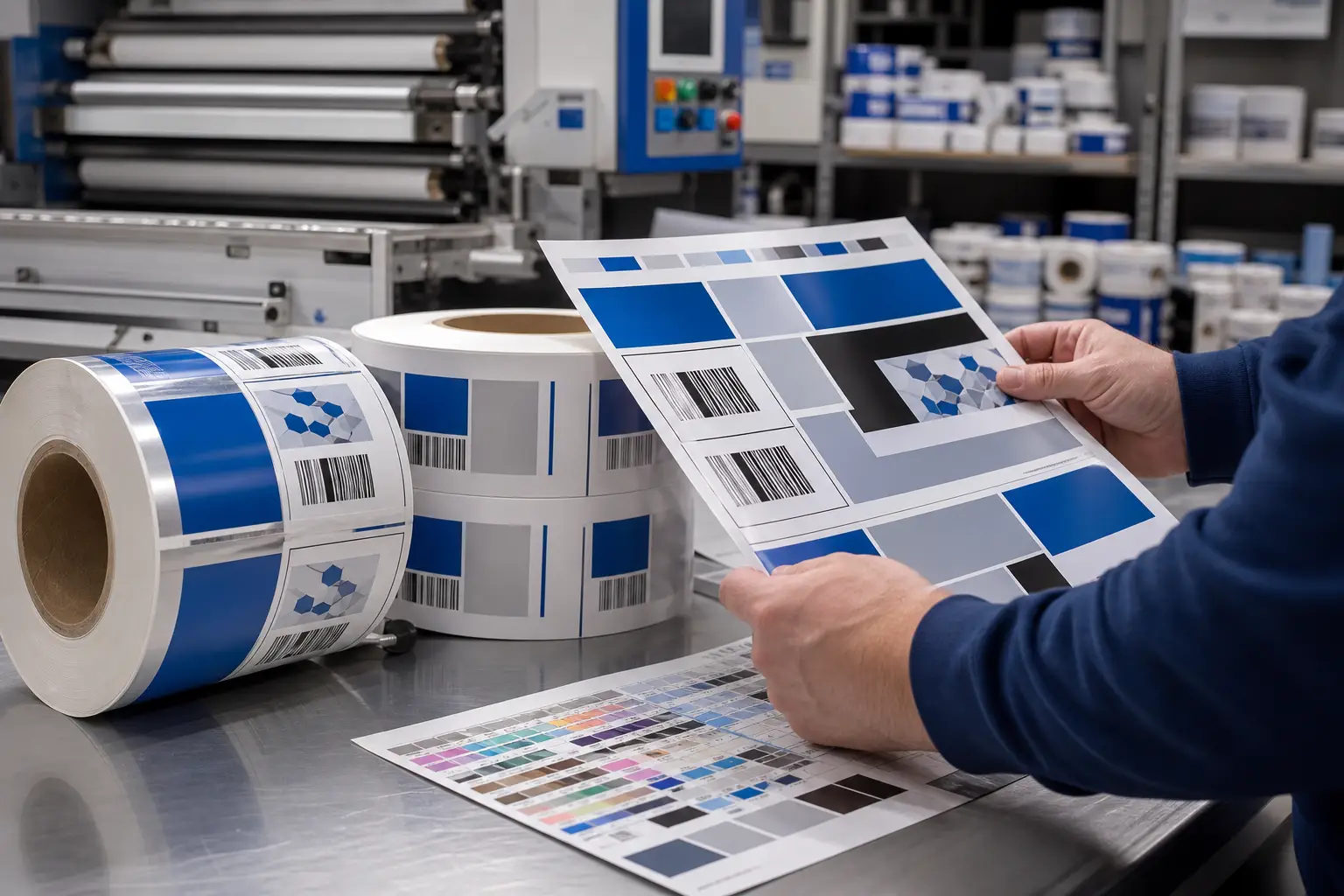
Meat department merchandising works best when case dividers, signage, and promotional displays are planned as one operating system. Each component has a different job: dividers organize products, signs communicate essential information, and promotional materials direct attention. When their materials, dimensions, graphics, versions, and distribution are coordinated, the department is easier to shop and easier for store teams to maintain.
That coordination matters in a refrigerated environment. Condensation, airflow, cold temperatures, case lighting, routine cleaning, frequent replenishment, and changing promotions can expose weaknesses in materials and production planning. A strong program begins with the store environment and daily use, not just a single sign design.
Start meat department merchandising with a complete in-store system
Meat displays contain several visual zones. The product case is the primary decision point, but perimeter signage, shelf-level messaging, and promotional displays influence how shoppers enter and navigate the department. Planning each zone separately can create inconsistent colors, competing messages, and materials that do not fit the way the department operates.
Instead, define a hierarchy before production:
- Department identity: establishes the overall visual system and category cues.
- Category organization: helps distinguish product groups within the case.
- Product-level communication: delivers concise information where decisions occur.
- Promotional messaging: gives limited-time or priority messages a clear, visible role.
- Operational components: support resets, replacements, and store-level execution.
This hierarchy prevents an all-purpose sign from trying to do every job. A header or perimeter display can establish a department message. A case divider can separate product categories. A shelf strip or case sign can deliver a targeted message. Each piece becomes more effective when it has one clear function.
For programs that need in-case and perimeter components, Print Group Inc. provides meat department merchandising solutions designed around the demands of grocery retail environments.
Coordinate case dividers with product organization
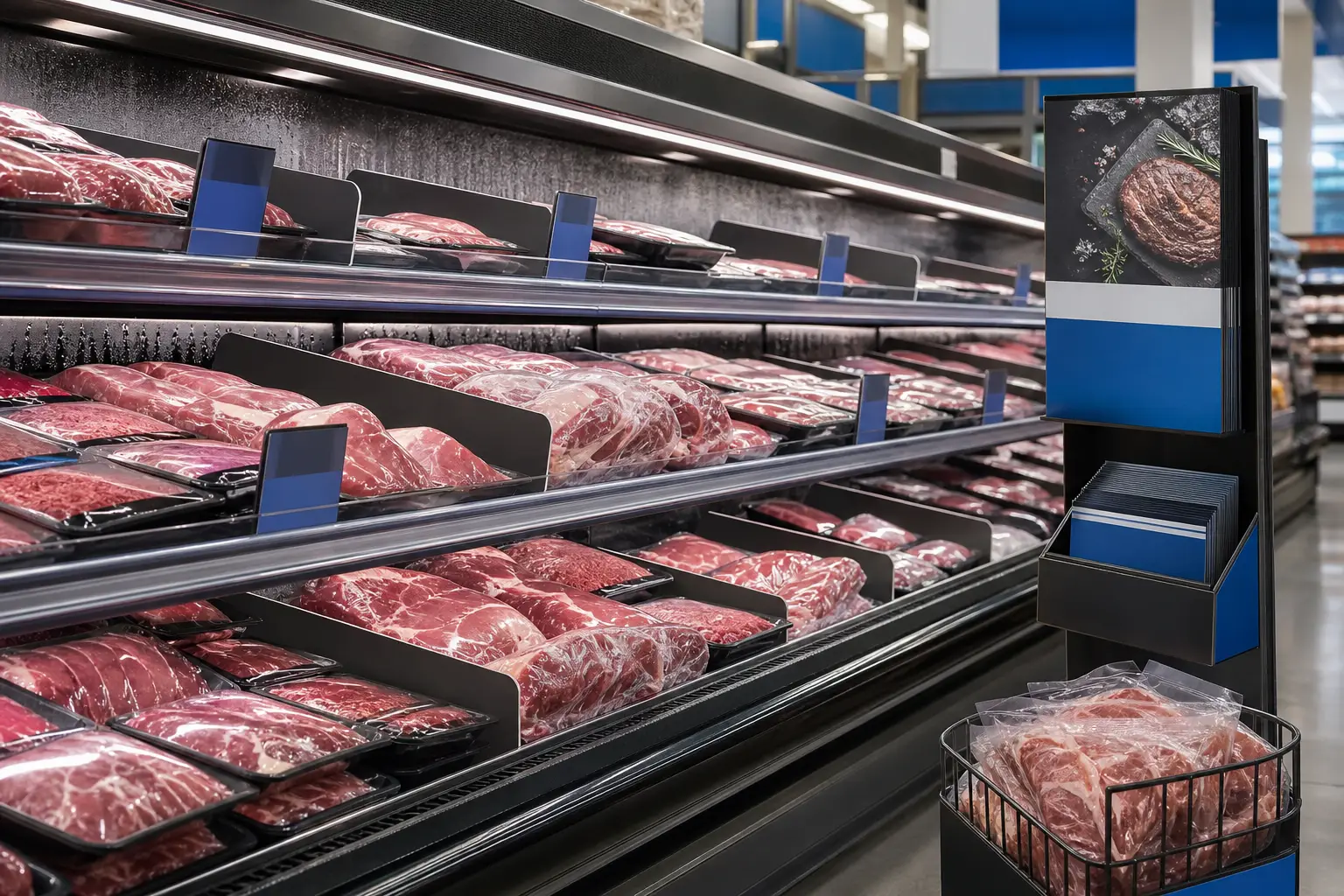
Case dividers do more than create physical separation. They help establish category boundaries, support a more orderly presentation, and provide a consistent branded element within the refrigerated case. Their dimensions, placement, and graphic treatment should align with the case layout and the way products move through the department.
Begin by mapping the case. Identify category breaks, product groupings, recurring resets, and locations where packages are most likely to shift. Then determine where a divider adds clarity without obstructing products or creating unnecessary visual clutter.
Questions to resolve before divider production
- What case configurations exist across the store network?
- Which categories need consistent separation?
- Will a divider remain in place for a long period or change with promotions?
- How will cold, moisture, cleaning, and routine handling affect the material?
- Does the design preserve visibility of packaged products?
- Are replacement pieces or store-specific versions needed?
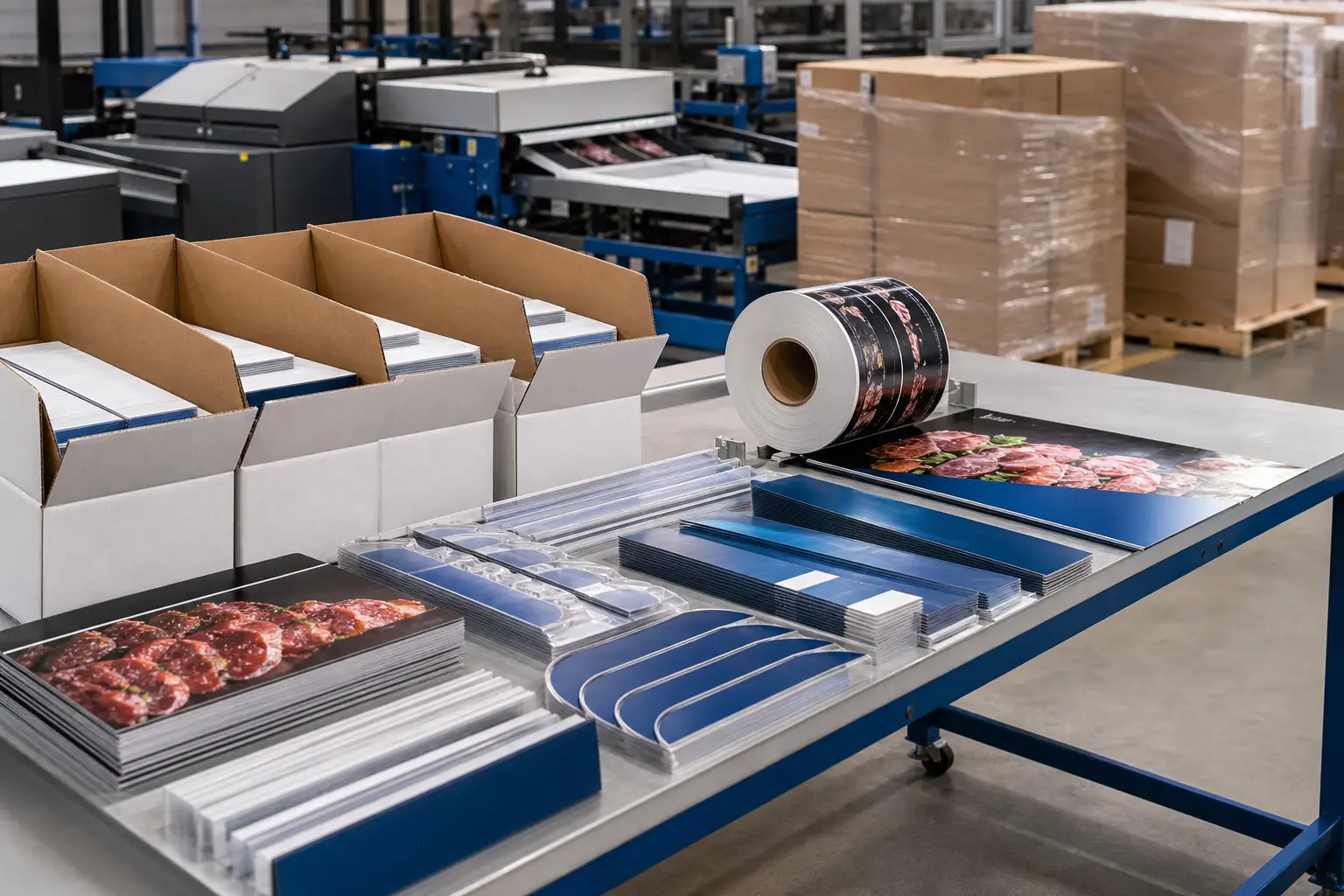
These decisions influence material selection, finishing, and quantities. They also affect fulfillment. A chain with varied case sizes may need versioned divider sets, clearly identified kits, and shipment instructions by location. A single production plan can account for those differences before materials reach stores.
Learn more about custom meat case dividers and the role of durable divider systems in refrigerated displays.
Specify signage for distance, placement, and refrigerated conditions
Signage should communicate at the distance where shoppers encounter it. A department-level message must work from several feet away. In-case signs must remain readable at close range without covering product. Promotional signs need enough contrast and scale to stand apart from everyday category communication.
Before finalizing artwork, assign every sign a placement and viewing purpose. This practical step helps determine size, orientation, typography, color use, and finishing requirements. It also reduces the risk of printing a visually strong design that does not work in its installed location.
Use a signage hierarchy, not a collection of unrelated messages
A reliable sign program typically uses a limited set of formats. Department signs establish the visual frame. Category signs guide shoppers to product groups. Product-adjacent pieces support fast comparison. Promotion signs spotlight a current campaign without overwhelming the case.
Keep the visual system consistent across those formats. Shared color standards, type treatments, logo placement, and image rules help shoppers recognize the department at a glance. At the same time, promotional material should have a defined visual signal so it is distinguishable from permanent or semi-permanent signage.
Material performance requires equal attention. Refrigerated signage may encounter condensation, airflow, temperature changes, cleaning routines, and constant lighting. Specify the intended location and expected duration of use early. That information enables a production partner to recommend appropriate substrates, inks, adhesives, or finishing methods without relying on a one-material approach.
For materials placed in demanding refrigerated environments, review options for cold case materials before committing to a broad rollout.
Build promotional displays into the operating calendar
Promotions often fail at execution when teams treat them as isolated print orders. A campaign may require case signage, shelf-level materials, display graphics, replacement pieces, and store instructions. If those items arrive separately or use inconsistent versions, store teams must spend time sorting, interpreting, and improvising.
Plan promotional displays as a coordinated release. Create an item list that identifies every component, its quantity, the stores receiving it, and the installation window. Use a master artwork structure so campaign elements share the same message hierarchy and brand treatment.
For recurring programs, establish reusable specifications for standard sizes and common formats. This does not mean every promotion should look identical. It means the production framework stays stable while graphics, offers, featured categories, or store-level versions change as needed.
Version control is especially important for regional promotions, store clusters, and departments with different case configurations. The production plan should make versions visible in file names, proofing workflows, packing labels, and kit contents. Clear identification helps prevent a correct piece from reaching the wrong store.
Plan production and fulfillment before the creative is final
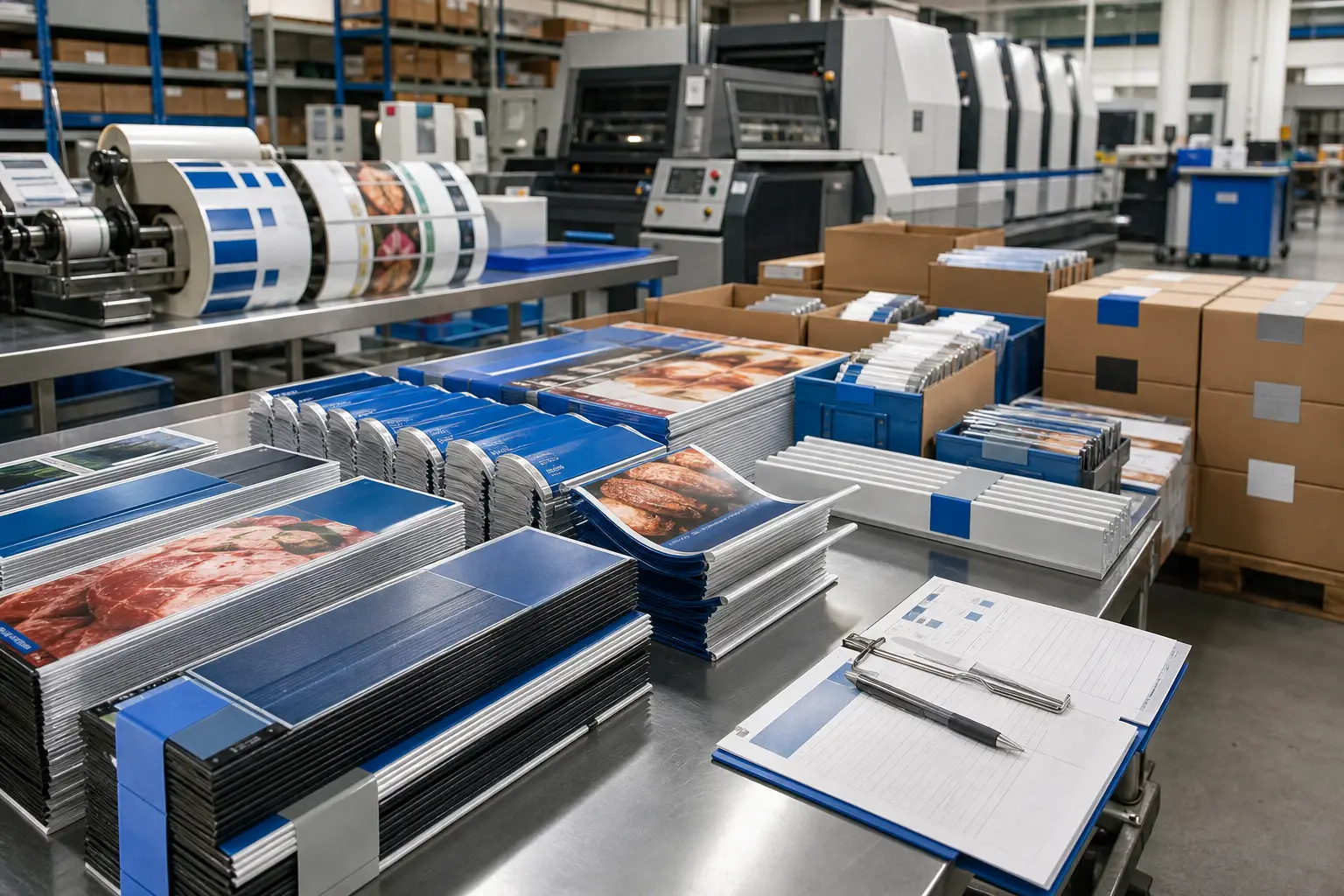
Creative decisions affect production. Large solid colors, photographic imagery, special finishes, die-cut shapes, mounting methods, and variable versions can each change how a project is produced and distributed. Bringing prepress and production input into the planning phase helps identify those requirements before final files are released.
A useful production brief for meat department materials includes:
- Component list, dimensions, quantities, and intended placement
- Material and durability requirements by component
- Color standards and approved artwork versions
- Store list, store-specific variations, and shipment quantities
- Required finishing, assembly, or kitting steps
- Target delivery dates and rollout sequence
- Instructions that distinguish permanent, seasonal, and promotional materials
This level of detail supports repeatability across a multi-location program. It also gives procurement, merchandising, marketing, and store operations a shared reference point. Rather than approving isolated pieces, stakeholders can evaluate how the entire system will look, perform, and arrive at each location.
When multiple items must be assembled and routed to specific stores, kitting and distribution services can help organize component sets for a more controlled rollout.
Evaluate the program after installation
Once materials are in stores, assess the system in real conditions. Check whether dividers remain properly positioned, signs are readable from their intended distance, and promotional elements are installed in the planned locations. Note where materials encounter the most handling, moisture, or cleaning exposure.
Feedback from store teams is valuable because it reveals installation friction and replacement needs that may not appear in a proof. Use those findings to refine specifications for the next print cycle. Over time, a documented program can reduce ad hoc decisions and improve consistency across departments.
Print Group Inc. supports grocery and retail merchandising programs with production planning, prepress, print production, finishing, kitting, and nationwide distribution. To discuss coordinated materials for an upcoming rollout, request a customized quote based on your specifications, quantities, finishing requirements, and timeline.